
App Store Screenshot Collaboration, What to Look For
Learn how to choose an App Store screenshot generator that helps product, design, and marketing teams shape one clear store gallery together.
There is a wonderfully ordinary moment in every app launch when the screenshot work stops being a design task and becomes a group conversation.
The product person has a newer screen that explains the feature better. The marketer has found the sentence that finally sounds like a human being wrote it. The designer can see, instantly, that the phone needs more room to breathe. Everyone is looking at the same gallery, everyone is right about something, and the next good version is sitting right there between them.
Then the awkward part starts. The file is somewhere else. The copy is in a comment. The export is flattened. The person who knows how the scene was built is in a different time zone or simply trying to finish another launch.
That is why App Store screenshot collaboration is such a useful question when you are choosing a screenshot generator. You are not only buying a way to decorate a few phone screens. You are choosing the place where the product, message, and visual decisions get to meet.
AppScreenshoot is made for that meeting. Its browser-based editor keeps editable templates, real product captures, captions, device treatments, and store-focused canvases together in one project. A team can begin with a composed direction, make the gallery sound like the product, and keep refining while the people closest to the app can actually see the work.
The best screenshot set usually has more than one good idea inside it. A collaborative workflow gives those ideas a friendly way to become visible.
01 Can everyone respond to the same living gallery?

The first thing I would look for is simple. Can the team see the work as a gallery, not as a chain of separate attachments?
An App Store listing is a small visual conversation. The first image makes a promise. The next few images prove it from different angles. One screen may make the main action feel immediate. Another may show the small detail that turns interest into recognition. When those pieces live apart, the review gets strangely abstract. People talk about slide three without seeing what slide two asked the visitor to believe.
I have a lot of sympathy for how this happens. Launch work moves fast. A founder sends a fresh screen. A marketer suggests a line in a chat. A designer makes a tidy export so everybody can take a look. Before long there are three versions with names like final, final-new, and final-actually-this-one.
Nobody set out to create a mystery. The project just lost its shared surface.
A good screenshot generator brings that surface back. You should be able to open the gallery, move from one scene to the next, and understand the relationship between the headline, the real product screen, and the composition around it. The team does not need to use the same words for a good image. They do need to be looking at the same image while they find them.
That is one of the pleasant things about AppScreenshoot. The template library gives a project a thoughtful visual beginning, then the browser editor keeps the working material in view. A product teammate can point to the moment that makes the feature click. A marketer can see whether the promise has enough room to land. A designer can tune the device treatment, hierarchy, and pacing while the app remains the main character.
The conversation gets more concrete immediately.
Imagine a travel-planning app. The first screenshot could lead with the feeling of having every booking in one calm place. The product lead may notice that a timeline view tells that story more clearly than the initial dashboard. The marketer may shorten the caption because the timeline itself already does some of the explaining. The designer may soften the background and enlarge the device so the proof arrives sooner.
Those are not competing opinions. They are three useful views of the same scene.
When the workspace keeps them together, the team can decide in context. Does this opening make the visitor curious? Does the screen prove the promise? Does the next image give the story a natural second beat? Good collaboration is not an extra meeting around the gallery. It is the gallery giving the meeting something real to hold.
There is a tiny test I like. Open the project with someone who did not build it and ask them to describe what each slide is trying to say. If they can follow the story without a guided tour, the shared work has done its job. If they cannot, the team has found a valuable place to make the gallery clearer together.
That is a much nicer starting point than guessing which file is current.
02 Does the workflow welcome a better product and a better sentence?

The most useful screenshot feedback is often small.
It can be a newer screen that makes the feature feel obvious. It can be the realization that the headline is explaining too much. It can be a quiet note from somebody on the team who says, I think the first image should show the feeling before it shows the controls.
Those observations are gold. They are exactly how a store gallery becomes more like the product it represents.
The generator you choose should make room for that kind of progress. You want a workflow where the product screen, copy, background, and device presentation are editable parts of the same composition. When a stronger product moment arrives, it should have an inviting place to land. When the team finds a clearer phrase, it should be easy to see what happens to the balance of the whole image.
AppScreenshoot keeps those choices close to one another. Start with an editable template or a fresh canvas, bring in the real interface, adjust the caption, and let the composition respond. The project remains a living piece of creative work instead of turning into a delicate arrangement that nobody wants to touch.
That last part matters more than it seems.
Teams do their best work when a good idea feels easy to try. If every adjustment sounds like a request to rebuild an export, people become polite around the gallery. They save the useful comment for later. They accept a headline that is almost right. They keep a beautiful screen in a small frame because changing it feels expensive.
An editable canvas changes the emotional weather. Someone can say, what if we lead with this screen instead? Then the team can look at it. Not in theory. Not after a long handoff. Right there, next to the version they already like.
For a budgeting app, that might mean replacing a dense account overview with the moment a person sees their spending plan come together. The copy can become shorter because the new screen carries the evidence. The second slide can take over the practical detail. The gallery gets stronger because each image has a job, and the team can see those jobs change as they work.
I think this is the real value of a shared screenshot workflow. It does not force everybody to become a designer. It lets the people who know the product best contribute to a visual decision at the moment their knowledge is most useful.
The designer still brings the visual judgment. The marketer still guards the clarity of the message. The product lead still knows which interaction makes the promise real. An AppScreenshoot project gives those perspectives a common language, made of actual screens and actual scenes rather than a pile of comments about pixels.
The result feels more generous to the visitor too.
A well-made gallery does not look like every department got one slide. It feels like one product finding several honest ways to introduce itself. The opening image can welcome. The next image can demonstrate. Another can reveal a detail that makes the experience personal or satisfying. The visual rhythm stays connected because the team has been shaping one story, not taking turns decorating a folder.
That is what a flexible generator should help you protect. The space to make the app clearer every time somebody learns something useful about it.
03 Can the finished set stay ready for the next good conversation?
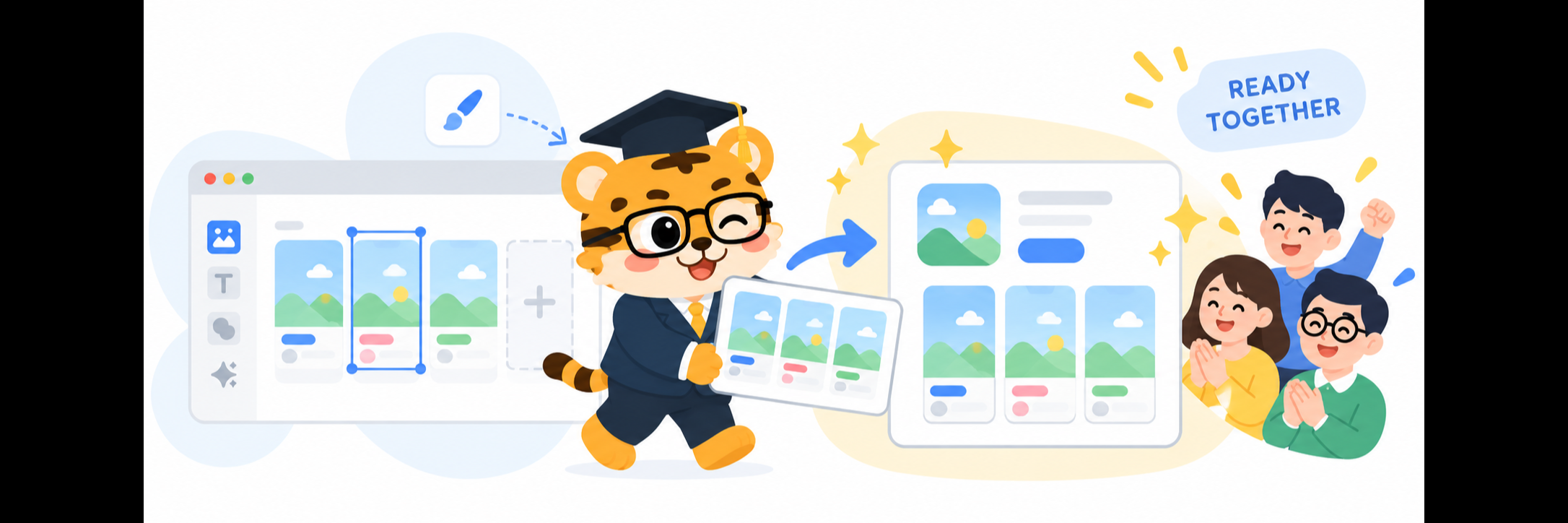
The last question is about what happens after the gallery looks finished.
The app will keep moving. A release will bring a stronger feature. A customer question will reveal a better way to describe the value. The team will discover that a later screenshot deserves to lead. That is not a disruption to the story. It is the story getting wiser.
So a useful screenshot generator should leave the work ready for the next conversation. You want to return to the project and still recognize the decisions that made the gallery work. The visual rhythm should be there. The real product screens should be there. The captions and device treatments should be close enough to improve without reconstructing the entire idea from a row of old PNGs.
This is where browser-based collaboration feels especially natural. AppScreenshoot lets a team reopen the same creative space, review the set as a sequence, update the scene that matters, and prepare polished outputs when the gallery is ready. The project can support a launch, a product update, a new opening direction, or a sharper store message while keeping the good visual decisions within reach.
There is a quiet compounding effect in that.
Each gallery teaches the team something. Maybe people respond most clearly to the screen that shows the product in motion. Maybe a very short sentence lands better because the interface has become more expressive. Maybe a certain device treatment gives the brand its most comfortable visual voice. When the project stays editable, those discoveries do not disappear into archive folders. They become the starting material for the next version.
I like a simple final review for this reason. Put the screenshots in their intended order. Read only the captions. Then look only at the screens. Then shrink the gallery enough that the details soften and the visual rhythm becomes the thing you notice first. Each view reveals something different, and each one becomes more useful when the team can make a thoughtful adjustment on the spot.
The captions should form a natural invitation. The screens should provide real proof. The smaller view should still make the opening feel confident and the sequence feel connected.
That is a very good shared definition of done.
For a small team, this kind of workflow turns launch work into a series of manageable choices instead of one high-pressure design event. For a larger team, it creates a clear home for the product, brand, and marketing conversation. Everyone can bring their expertise without asking the gallery to split into separate versions of itself.
And when it is time to deliver, AppScreenshoot gives the work a clean path to store-ready image exports. The handoff feels calm because the gallery has already been treated as one connected piece of work.
So when you are comparing App Store screenshot generators, look beyond the first attractive template. Look for a workspace where real product screens can stay central, where a team can react to the same living gallery, and where a good comment can become a better composition while the idea is still warm.
Start the next gallery with AppScreenshoot. Give your team one clear place to shape the story, and give the app a store presence that feels polished, connected, and ready for its next good version.